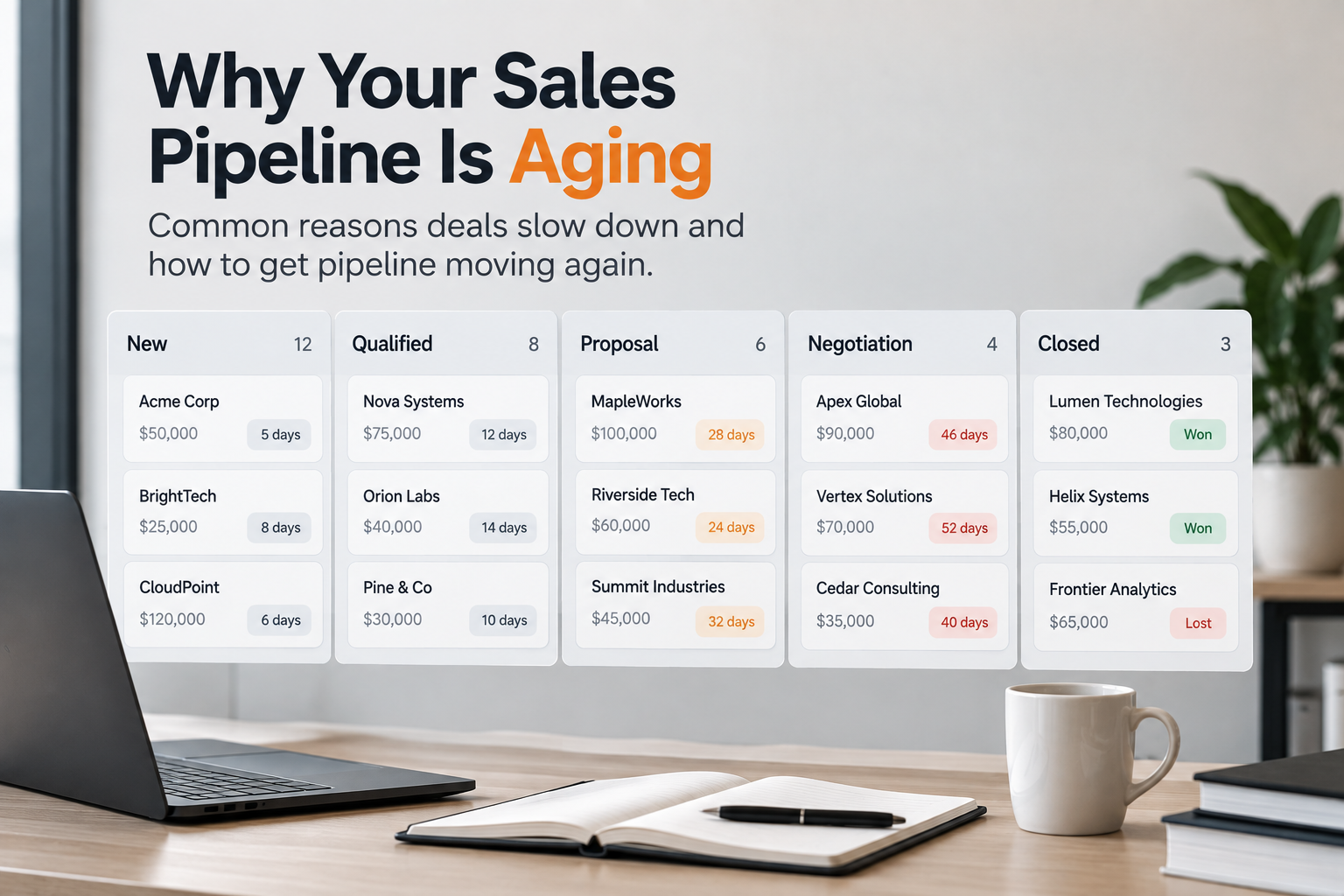
The pipeline looks healthy. The total value is up, the number of opportunities is up, and the forecast still adds up on paper.
Then someone filters by stage age and notices that a lot of those deals have been sitting in the same place for weeks. Some haven't moved since last quarter.
That is pipeline aging. It is one of the most common problems in B2B sales, and one of the hardest to explain, because the reasons deals stop moving are rarely recorded where the deal lives.
What Is Pipeline Aging?
Pipeline aging is the amount of time opportunities spend in your pipeline, overall and in each stage. An aging pipeline is one where deals are staying in stages longer than they normally would, or longer than your typical sales cycle allows.
Two measures matter most:
Opportunity age: how long a deal has been open in total
Stage age (time in stage): how long it has been in its current stage
Stage age is usually the more useful signal. A deal that is 90 days old might be fine in a long enterprise cycle. A deal that has been in "Proposal" for 60 days when proposals normally close in 20 is a warning.
Why Pipeline Aging Matters
Aging deals cause problems beyond the deals themselves:
Forecasts become unreliable. Old deals inflate pipeline value and make coverage look better than it is.
Win rates fall over time. In most sales teams, the longer a deal sits, the less likely it is to close.
Reps spend time on the wrong deals. Stale opportunities keep getting attention that should go to active ones.
Leaders react late. By the time aging shows up in quarterly results, the cause is usually weeks old.
How to Measure Pipeline Aging
Start with a simple view of your CRM data:
Calculate average time in stage for deals that closed won over the last two or three quarters. This is your benchmark.
Compare open deals against it. Flag anything sitting in a stage for more than 1.5–2 times the benchmark.
Segment the results by deal size, region, product, lead source and owner. Aging is rarely even across the pipeline.
Track it over time. A single snapshot tells you where you are. A trend tells you something changed.
Step 4 is the important one. If stage age for mid-size deals jumped in the last six weeks, something happened six weeks ago.
The Usual Causes of Pipeline Aging
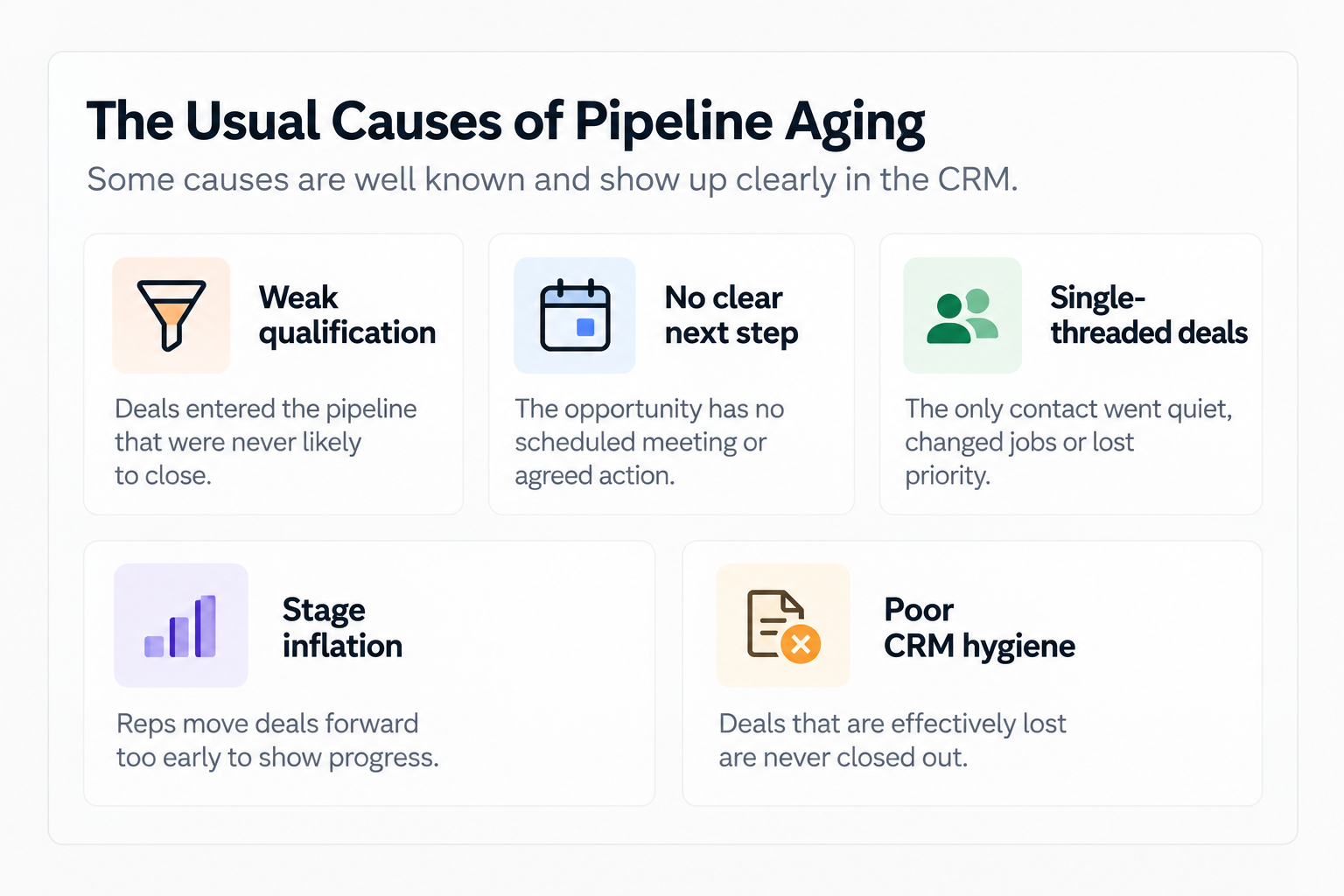
Weak qualification. Deals entered the pipeline that were never likely to close.
No clear next step. The opportunity has no scheduled meeting or agreed action.
Single-threaded deals. The only contact went quiet, changed jobs or lost priority.
Stage inflation. Reps move deals forward too early to show progress.
Poor CRM hygiene. Deals that are effectively lost are never closed out.
These are worth fixing, and most sales teams already know how. Pipeline reviews, clear exit criteria for each stage and regular clean-ups help a lot.
But there is a second group of causes that the CRM rarely shows.
What the CRM Doesn't Show
Often, a deal stops moving because of something that happened somewhere else in the company:
Internal approvals slowed down. Discount, legal or security reviews started taking longer, and the waiting happens in email, Slack or a separate approval tool.
Pricing or packaging changed. A new price list or policy made certain deals harder to structure.
Handoffs changed. A new routing rule, territory change or team restructure moved deals to people with less context.
Lead mix shifted. A campaign brought in more of a different kind of buyer, who naturally moves slower.
Capacity changed. Solutions engineers, legal or onboarding teams got stretched, so every deal needing them queued up.
The product changed. A missing feature, a delayed release or a known issue made buyers wait.
None of these are sales rep problems. They are organizational problems that show up as sales symptoms.
The CRM records that a deal is 45 days in "Negotiation." It doesn't record that 12 of those days were spent waiting for a discount approval that used to take two.
Why This Is So Hard to See
The information needed to explain aging usually exists. It's just spread across systems and people:
The CRM knows stage dates and deal values.
The approval tool or Slack knows how long approvals took.
Marketing automation knows which campaign the lead came from.
Finance knows when pricing changed.
A sales manager knows a key team member left.
No single dashboard connects them. So when leadership asks "why is the pipeline aging?", the answer is assembled manually, in meetings, from memory, usually after the quarter has already been affected.
How to Find the Real Cause
When aging increases, ask questions that reach beyond the pipeline report:
When did it start? Find the week stage age began rising.
Where is it concentrated? Which stage, segment, region or team?
What changed around that time? Pricing, process, people, tools, campaigns, approvals.
What are the aging deals waiting on? A person, an internal approval, the customer, or nothing at all?
Is it the same step every time? A repeating stall point usually means a process problem, not a deal problem.
This is slower to do manually, but it leads to fixes that actually hold, instead of another round of "please update your deals."
Where Aitora Fits
Aitora is an organizational intelligence layer. It is being built to connect the CRM with the other systems where deal work actually happens, such as approvals, communication tools, marketing systems and project tools, and to show how that work moves between teams.
When a pipeline starts aging, the goal is to answer "what changed?" with evidence: which step slowed, where handoffs are waiting, and which change lines up with the stall. Your pipeline reports tell you deals are stuck. Aitora is designed to help you see why.
Seeing deals stall and not sure why? Get a free workflow diagnostic.
FAQ
What is pipeline aging in sales? Pipeline aging is how long opportunities stay open in your pipeline, overall and in each stage. An aging pipeline has deals sitting longer than normal, which often signals stalled deals and an unreliable forecast.
What is a good opportunity age? It depends on your sales cycle. Use the average time in stage for deals you have won as your benchmark, and flag open deals that have been in a stage much longer than that.
How do you fix an aging pipeline? Close out dead deals, set clear exit criteria for each stage, require a next step on every opportunity, and look for internal causes like slow approvals or handoffs that are delaying deals.
What is the difference between pipeline aging and sales cycle length? Sales cycle length measures how long closed deals took. Pipeline aging looks at open deals and how long they have been sitting, so it warns you earlier.
Why do deals stall in the negotiation stage? Common reasons include slow internal discount or legal approvals, new stakeholders on the buyer side, pricing changes, and deals that were never properly qualified.